Designing Custom Zipper Tumbler Wraps in Canva
Creating a cohesive brand identity often comes down to the smallest details, and for businesses in the drinkware industry, that means mastering the art of the tumbler wrap. The Zipper Tumbler Wrap Canva Template offers a streamlined solution for designers, entrepreneurs, and hobbyists looking to produce high-quality wraps without the steep learning curve of complex vector software. This digital product is specifically designed to bridge the gap between professional design assets and user-friendly editing, allowing you to transform standard PNG or JPG background images into polished, ready-to-print designs. Whether you are a small business owner fulfilling custom orders or a content creator looking for unique mockups, this template provides the structure needed to visualize your design on a curved surface effectively.
The Anatomy of the Template
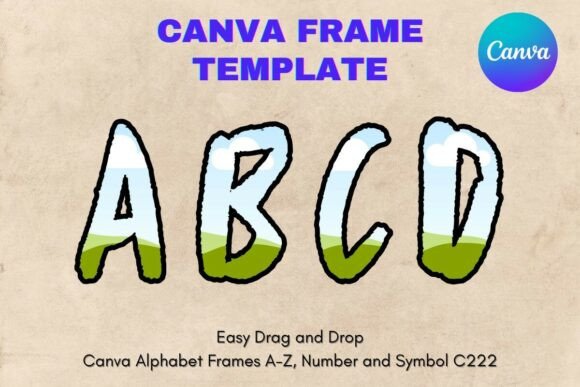
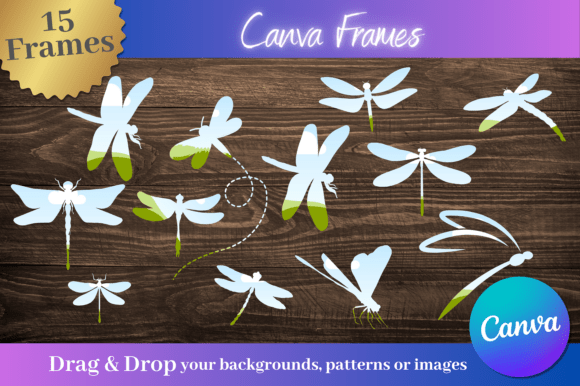
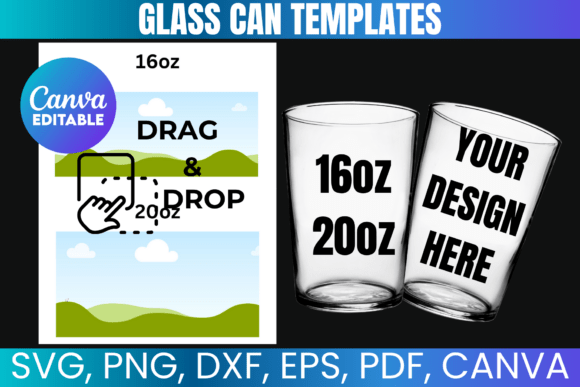
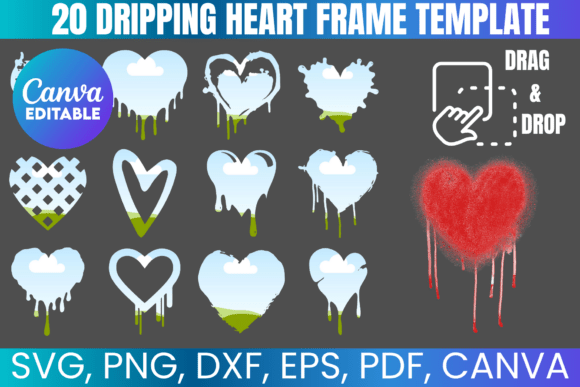
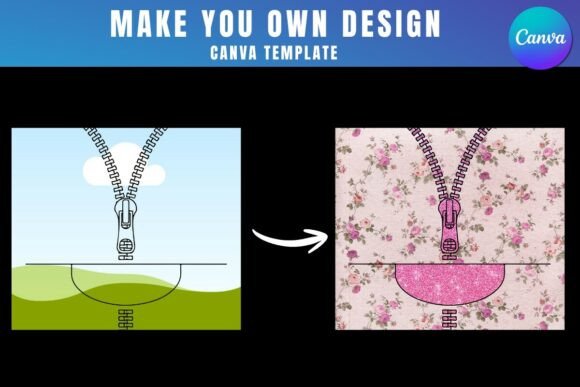
At its core, the Zipper Tumbler Wrap Canva Template functions as a specialized frame. When you open the provided link with a free Canva account, you are presented with a layout that mimics the dimensions and curvature of a standard tumbler. The visual appeal lies in its versatility; it acts as a neutral vessel for your creativity. Unlike rigid design assets, this template is built for flexibility. The "zipper" aspect refers to the visual continuity of the design—how the image wraps seamlessly around the cup, often incorporating a pattern or texture that aligns perfectly at the seam.
The style of the template is inherently modern, focusing on clean lines and precise alignment. It is not a static image but rather a dynamic tool. The personality of the design changes entirely based on the background image you choose to drag and drop into the frame. You could apply a rustic, vintage texture for a farmhouse aesthetic or a sleek, gradient background for a futuristic vibe. This adaptability makes it a premium font-style asset in terms of utility—it is a foundational element that elevates the perceived value of the final product. The template ensures that your graphics maintain their integrity, preventing the distortion that often occurs when trying to manually wrap a flat image around a cylindrical object.
Strategic Applications for Branding and Marketing
For professionals in branding and marketing, consistency is key. The Zipper Tumbler Wrap Canva Template serves as a critical component in maintaining brand identity across physical products. Imagine a coffee shop launching a new seasonal blend; using this template, the marketing team can quickly mock up how the promotional graphics will look on a physical cup before committing to a print run. This ability to prototype rapidly is invaluable for social media graphics and web design previews.
Entrepreneurs and small business owners can leverage these templates to expand their product lines without hiring expensive graphic designers for every variation. If you are selling custom drinkware on platforms like Etsy or Shopify, the ability to quickly iterate on designs is a competitive advantage. You can test different color palettes, typography placements, and imagery to see what resonates with your audience. The template supports a wide range of styles, from bold, display font-heavy designs to subtle, serif font elegance. It is also an essential tool for content creators and bloggers who want to feature branded merchandise in their photography, ensuring the mockup looks realistic and professional.
Practical Workflow and Usability
The user experience is designed to be intuitive. Because the Zipper Tumbler Wrap Canva Template is hosted in Canva, it integrates seamlessly into existing workflows. There is no need to install new software or learn complex layering systems. The process is straightforward: access the template via the PDF link, select the frame, and upload your background image. Once the image is placed, you can adjust the scale and position to fit the frame’s boundaries.
However, it is important to note the technical specifications regarding transparency. To download your final design with a transparent background—which is essential for printing on colored tumblers or for use in other design software—a Canva Pro subscription is required. Free accounts can still edit and use the templates for digital proofs or presentations, but the transparent export is a feature reserved for higher tiers. Additionally, it is crucial to understand the limitations: these templates are native to Canva and are not compatible with SVG formats or cutting machines like Cricut or Silhouette directly. They are intended for digital design and print preparation within the Canva environment.
Evaluating Fit and Design Cohesion
When deciding if this template is right for your project, consider the complexity of your design. If your project involves intricate script font details or specific font pairing requirements, the template allows you to overlay text elements on top of the background image. This is where you can apply principles of visual hierarchy and readability. For instance, placing a bold, sans serif font over a busy background can create a striking contrast that captures attention.
Testing the template with various assets is recommended. Try dragging in high-resolution images to ensure the final output is crisp. Consider how the "zipper" seam interacts with your imagery. Does the pattern repeat correctly? Does the color shift at the join? The template helps you identify these issues early in the design process. By utilizing these design assets, you are not just creating a wrap; you are engineering a brand touchpoint. The ability to see exactly how a logo or pattern behaves on a curved surface ensures that the final physical product matches the digital vision, fostering professionalism and audience engagement.